The Best Screen Recorders for Mac in 2026
The best screen recorders for Mac in 2026, compared. We look at Shotbase, the built-in Screenshot app, Screen Studio, CleanShot X, Cap, Tella and OBS on features and real prices, and we say where each one fits.
· 9 min read
Key takeaways
- The built-in Screenshot app is free and, on macOS 27, can include system audio. It is the right starting point for a raw clip, not a finished demo.
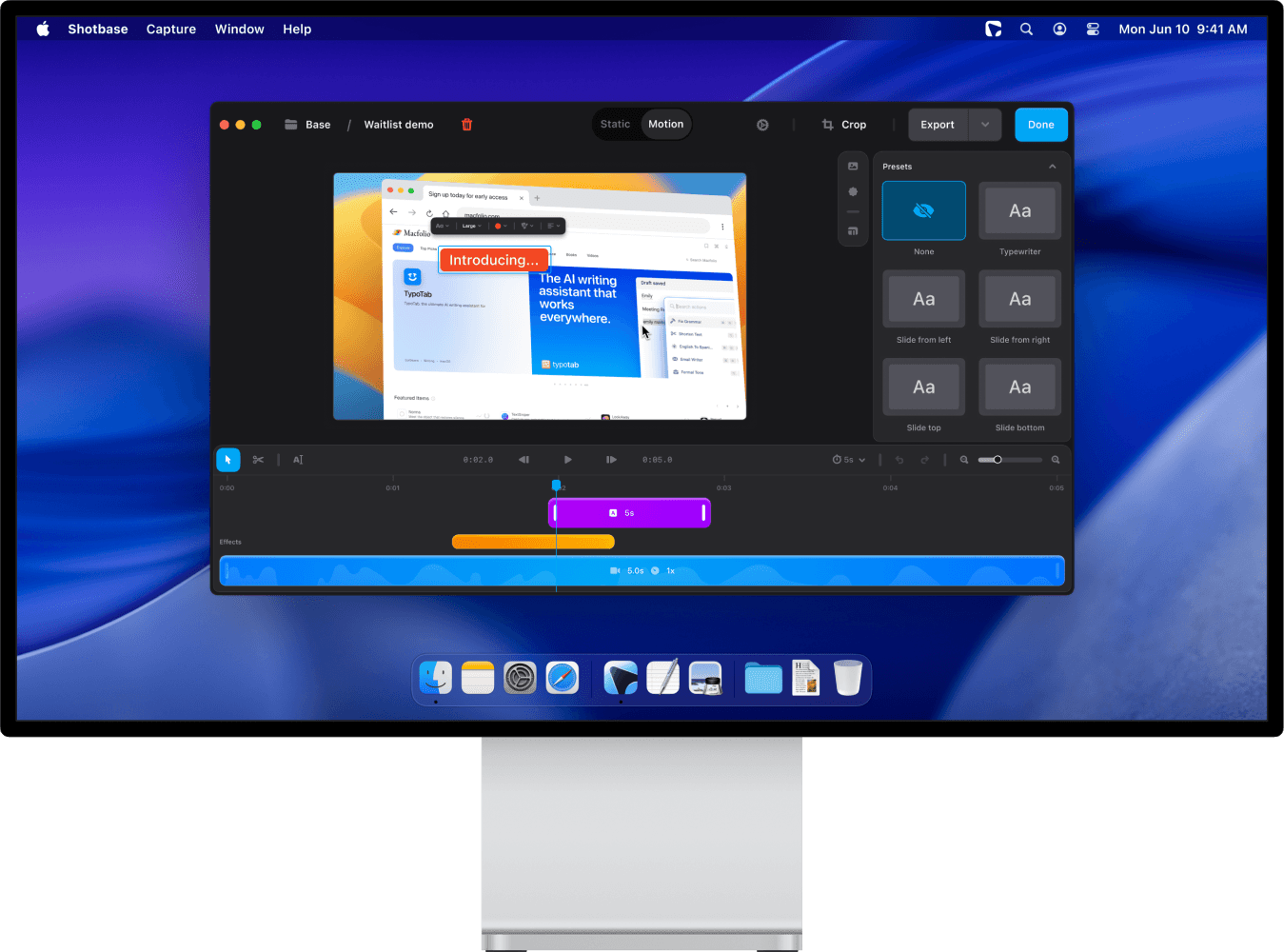
- Shotbase is our app: recordings with automatic zooms, separate audio tracks, captions, screenshots and a searchable library, from $13 a month billed yearly.
- Screen Studio is the most focused paid recorder for polished demos, at $9 a month billed yearly or $29 month to month.
- CleanShot X is a $35 one-time purchase with a year of updates. Cap is free for personal use. OBS is free and open source.
- Tella is built for teams that record, edit and host in the browser, from $16 per user a month billed annually.
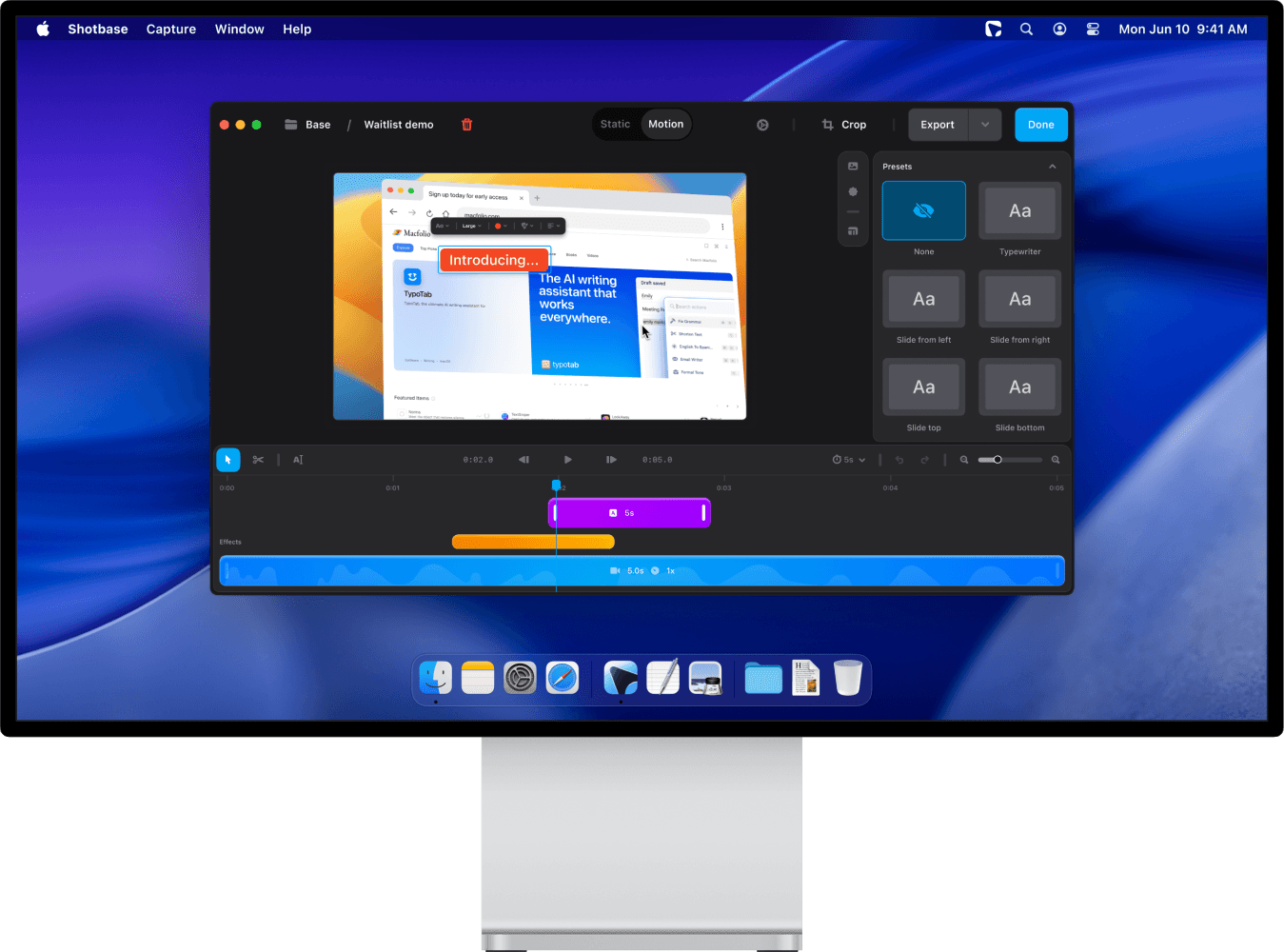
Short answer: if you record your screen and also take screenshots every day, Shotbase (our app) is the all-in-one option: automatic zooms, separate audio tracks, captions, webpage capture and a library you can search. If you only want a raw clip, the built-in Screenshot app is enough, and on macOS 27 it can include system audio. If you only make polished video demos, Screen Studio is the most focused paid recorder. CleanShot X is the simplest one-time purchase, Cap is free for personal use, Tella suits teams that edit and host in the browser, and OBS is the free power-user tool.
We build Shotbase, so it appears first, with a clear note about where it fits and where a narrower tool is better. Every feature and price below comes from each app's own website or from Apple's support pages, checked on November 23, 2026. This is a broad recorder guide. If automatic zoom is the only thing you care about, read The Best Screen Recorders With Automatic Zoom for Mac.
What to look for in a Mac screen recorder
A good recorder is more than a red button.
What it can capture: the full display, a window or a region, and whether a camera can sit in the frame.
Audio: a microphone is the baseline. System audio matters when the demo includes sound the Mac is playing. Separate tracks are better than a mix you cannot fix later.
Editing: trim, zoom, captions, cursor polish and layouts, ideally in the same app.
Export and sharing: a local file, a link people can open in a browser, or both.
Everything else you capture. If you also take screenshots all day, paying for a second app adds up.
Price and platform. A one-time license, a subscription, or a free personal tier each have a place.
Mac screen recorders at a glance
| App | Best for | Audio (as listed) | Editing highlight | Price |
|---|---|---|---|---|
| Shotbase | Recordings and screenshots in one Mac app | Microphone, system audio and background audio as separate tracks | Automatic zooms, captions, transcript editing | 7-day free trial, then $13 a month billed yearly or $25 monthly |
| Screenshot app | Quick raw recordings | Microphone; system audio on macOS 27 | Trim from the thumbnail | Built in, free |
| Screen Studio | Polished dedicated video demos | Webcam, microphone and your Mac's sound | Automatic and manual zooms, transcript editing | $9 a month billed yearly or $29 monthly |
| CleanShot X | Screenshots first, recordings as well | Microphone and system audio together | Studio Mode with smart zooms | $35 once, one year of updates, then $19 a year optional |
| Cap | Free personal use, also Windows and Linux | Not listed on the pricing page we checked | Studio Mode editor, 4K export | Free for personal use; $29 a year or $58 once for a commercial desktop license; Cap Pro from $12 per user a month, or $8.16 billed annually |
| Tella | Teams that edit and host in the browser | Screen, webcam, microphone and system audio | Auto Zoom, transcript and AI editing | Pro $16 per user a month billed annually, or $29 monthly; 7-day free trial |
| OBS Studio | Free, open source recording and streaming | Check OBS's own docs for your setup | Scenes and filters in a power-user UI | Free |
1. Shotbase: best when recordings and screenshots live together
We build Shotbase, so we will be direct. We made it for people who were paying for a screenshot app and a recording app, then still losing the files.
For recordings, Shotbase includes:
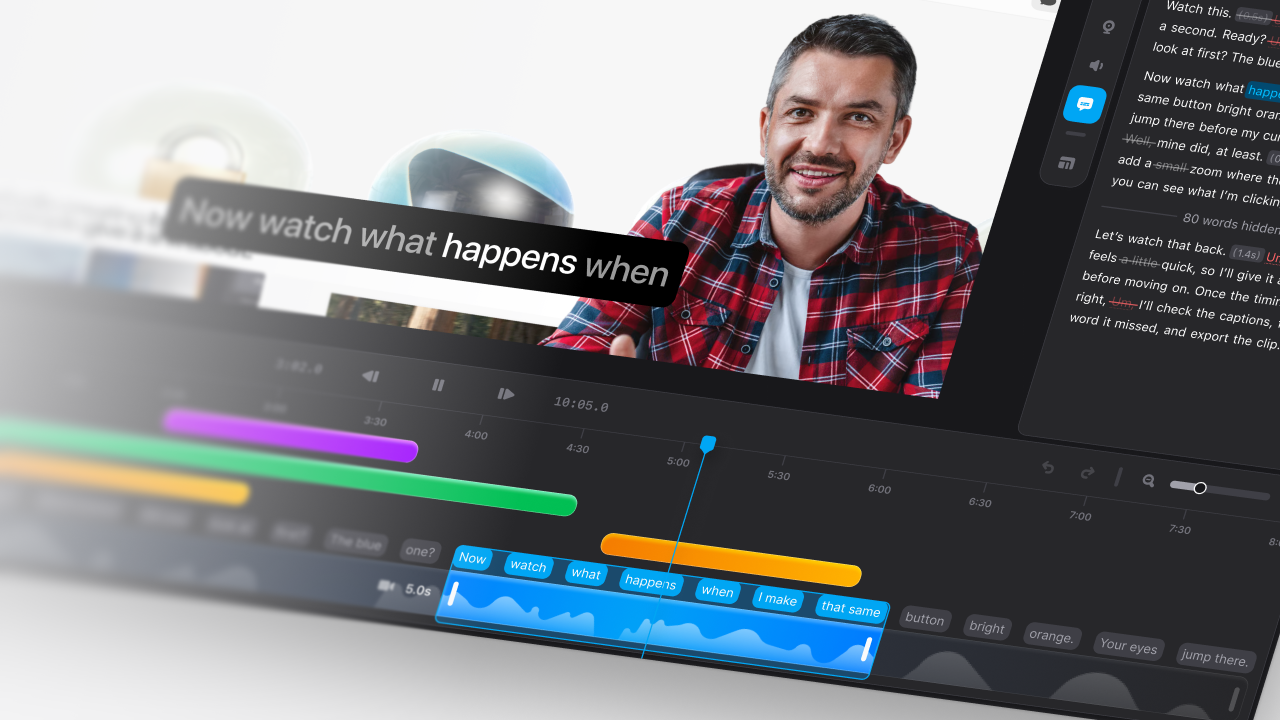
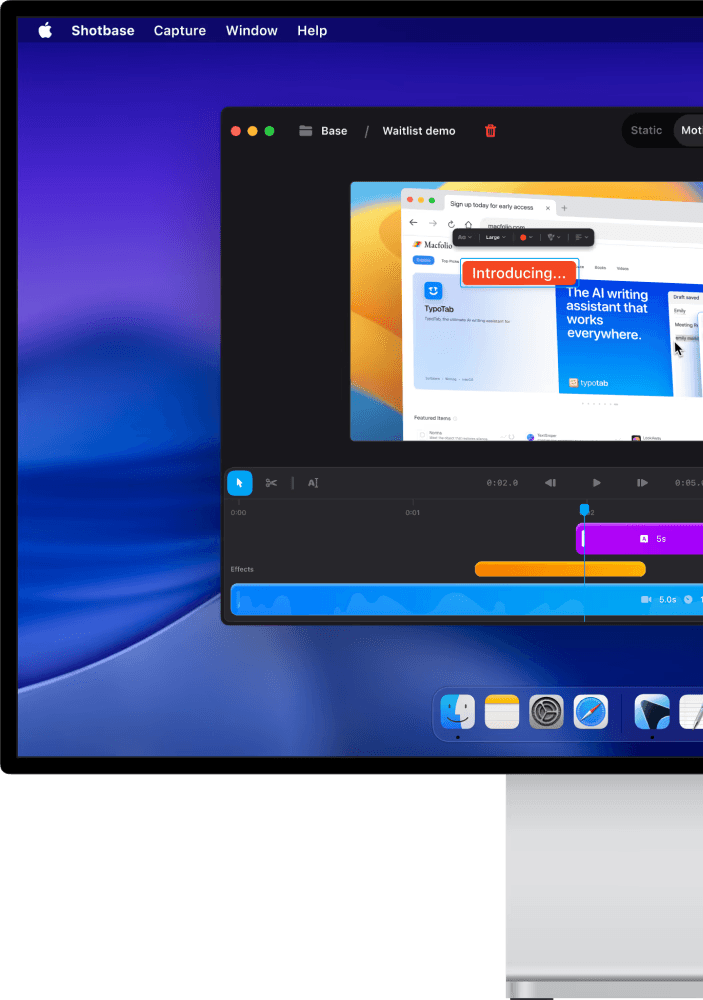
Automatic zooms that bring important moments closer, with 3D motion and text effects in the motion editor. We compared the zoom-focused tools in a separate guide.
Camera layouts you can change during a recording, including fullscreen camera, split screen, short-form and presenter, plus an option to hide the camera during microphone silence.
Audio controls for microphone, system audio and background audio, each with volume and mute, plus a master volume, and microphone presets (Standard, Loud, Warm, Noise reduction, Podcast, or Off).
On-device transcripts from your microphone audio, with cuts, filler-word removal, styled captions and export to SRT or VTT. Transcription needs macOS 26 and supported speech recognition assets.
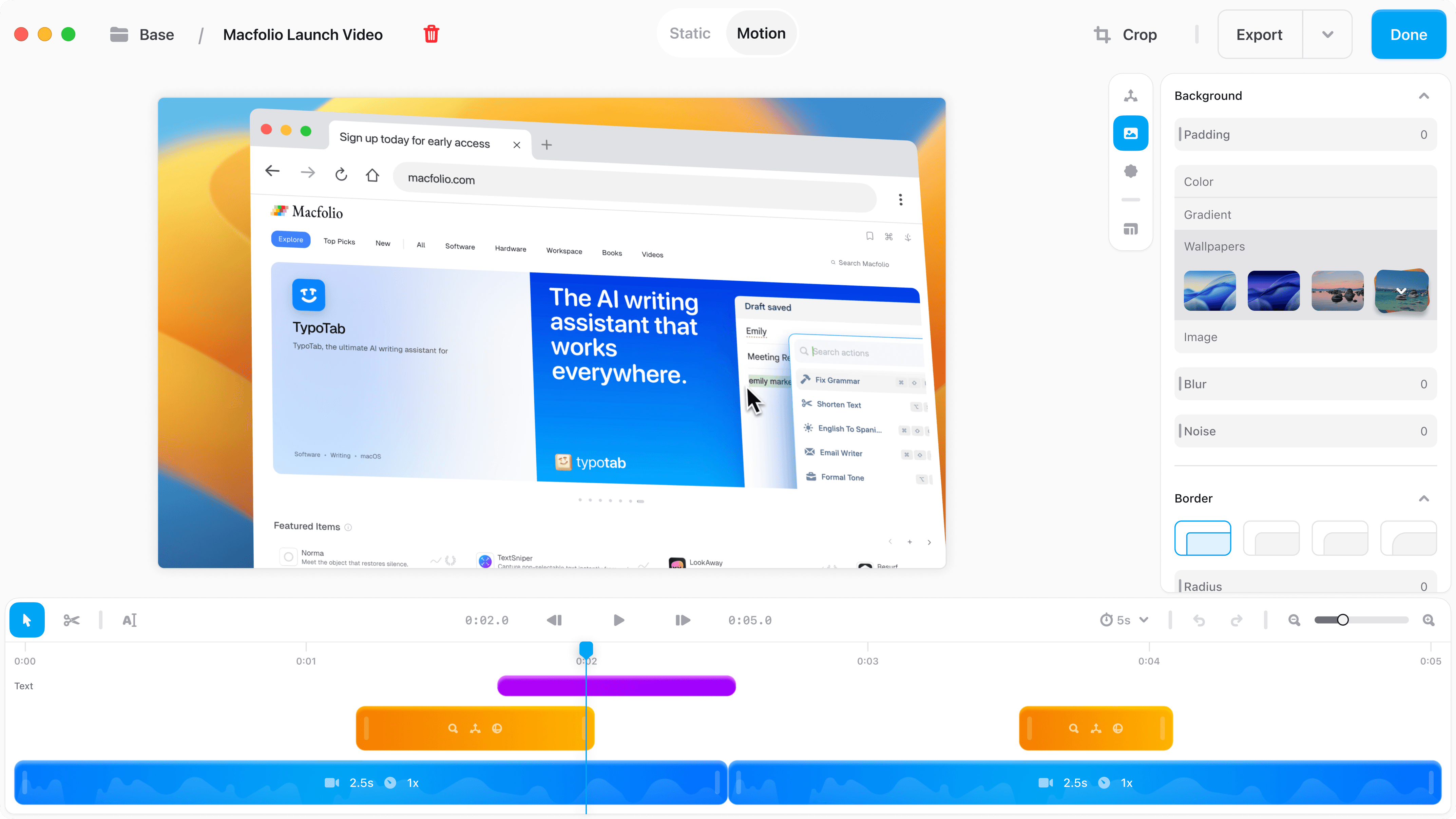
Around the recorder, you also get screenshots, scrolling capture in any app, webpage capture, a static editor, and a library whose search can find the text inside your screenshots. Shared recordings open in a browser. Captures stay on your Mac unless you create a share link.
Price, checked November 23, 2026: 7-day free trial, no card required, then $13 a month billed yearly ($156) or $25 month to month. After the trial you can still capture, view, edit and organize; Pro is required to export new or newly edited work, create share links and keep existing shared links active. Local AI names and tags require Apple silicon.
Choose something else if you only want a free raw file, or if you need Windows and Linux from the same vendor.
2. The built-in Screenshot app: best free starting point
The Screenshot app is already on your Mac. Press Shift + Command + 5. Apple's screen recording guide covers the rest: record the entire screen, a selected portion, or (on macOS Tahoe 26 or later) a selected window; choose a microphone; and on macOS 27 Golden Gate or later, choose Include System Audio. You can show mouse clicks, set a timer and trim from the thumbnail.
That is a high bar for a tool that costs nothing. What it does not do is turn the clip into a demo: there is no automatic zoom, no caption workflow, and no share page with comments. For a bug report or a short internal note, start here. For a recording you will publish, pick one of the apps below, or see how to add zoom effects after you capture. QuickTime can also start a recording, and on current macOS it often opens the same toolbar.
3. Screen Studio: best dedicated video recorder
Screen Studio calls itself the screen recorder for Mac that handles zooms, motion, sound and framing. The site says you can record your display, a window or an area, and "bring your webcam, microphone, and your Mac's sound along." It offers automatic and manual zooms, transcript editing, captions that adapt when you change aspect ratio, and one take that can become wide, square or vertical. It recommends macOS 13.1 or later.
Price, from [screen.studio/pricing](https://screen.studio/pricing) on November 23, 2026: personal plans from $9 per month billed yearly, or $29 per month billed monthly. Every feature is in every personal plan. It is not free.
Choose Screen Studio when video is the whole job and you want a specialist. The auto zoom comparison goes deeper on that side of it.
4. CleanShot X: best one-time purchase
CleanShot X is still, first, a screenshot app, and its recording tools have caught up. The screen recording page says you can capture your screen, camera, microphone and system audio, export MP4 or GIF, and use Studio Mode to add smart zooms, trim, refine cursor movement and export landscape, square or vertical videos. CleanShot 5.0 introduced Studio Mode, as the company notes on its buy page.
Price, checked November 23, 2026: $35 once, from the offer listed on cleanshot.com, as a one-time purchase that includes one year of updates, with optional renewal at $19 a year. There is a 30-day money-back guarantee and no standalone trial, though CleanShot is also available on Setapp, which has a 7-day trial. It is Mac only, and it requires macOS 13.0 or newer for current versions.
Choose CleanShot X if screenshots are still most of your week and you want a recorder in the same license, without a monthly plan.
5. Cap: best free option for personal use
Cap is an open source recorder for Mac, Windows and Linux. The pricing page says the free plan is for personal use and includes Studio Mode with the full editor, 4K export at 60 fps, and 25 shareable links a month, up to 5 minutes each.
Price, checked November 23, 2026:
Free for personal use.
Desktop License: $29 per license per year, or $58 once, for commercial rights and unlimited local recording and editing.
Cap Pro: $12 per user a month, or $8.16 a month billed annually, which adds unlimited cloud sharing, transcripts, team workspaces and related features.
Cap is the obvious trial when you want a real editor without paying, or when you need the same tool on more than one operating system. A paid plan is required for commercial use. We did not treat Cap's pricing page as a source for system audio details, so check Cap's own docs if that is a requirement.
6. Tella: best for teams that work in the browser
Tella is an all-in-one recorder with browser-based editing and hosting. The pricing page lists screen, webcam, microphone and system audio recording on all plans, plus Auto Zoom, transcript editing, captions, layouts and built-in analytics. There is a native macOS recorder, a Windows recorder and a Chrome extension.
Price, checked November 23, 2026, per user: Pro is $16 a month billed annually, or $29 billed monthly. Premium is $24 a month billed annually, or $39 monthly. Enterprise is custom. Every new account starts with a 7-day free trial of Pro, with no credit card required.
Choose Tella when the share page, analytics and team workspace matter as much as the recording.
7. OBS Studio: best free power-user tool
OBS Studio is free and open source software for video recording and live streaming. That is the official description on its site, and it is the right mental model: scenes, sources and a lot of control, with a steeper learning curve than the apps above.
Choose OBS when you already know it, when you are streaming as well as recording, or when you want a capable recorder at no cost and do not mind configuring it.
Which screen recorder should you choose?
You want one Mac app for recordings and screenshots: Shotbase.
You want a raw clip and nothing else: the Screenshot app.
You make polished product videos and only care about video: Screen Studio.
You want to pay once and already live in a screenshot app: CleanShot X.
You want a free personal editor, or Mac plus Windows and Linux: Cap.
You record for a team that needs hosting and analytics: Tella.
You want a free, highly configurable recorder or streamer: OBS.
If the next step is a finished walkthrough, How to Make a Product Demo Video on Mac walks through planning, recording, zooms, captions and sharing.
Frequently asked questions
What is the best screen recorder for Mac in 2026?
It depends on the job. Shotbase is our pick when you also take screenshots and want zooms, audio control and a library in one app. Screen Studio is the most focused paid demo recorder. The built-in Screenshot app is the best free starting point for a raw file.
Is there a free screen recorder for Mac?
Yes. The Screenshot app is built in. Cap is free for personal use. OBS Studio is free and open source. Shotbase and Tella both offer a 7-day free trial.
Which Mac screen recorders capture system audio?
The Screenshot app can, on macOS 27 Golden Gate or later, through Include System Audio. Shotbase, Screen Studio, CleanShot X and Tella all list system audio, or "your Mac's sound," on their sites. See How to Record System Audio on Mac for permissions and troubleshooting.
Does Shotbase upload my recordings automatically?
No. Recordings and project files remain local by default. Shotbase only uploads a capture when you explicitly create a shareable link or use another cloud-based feature.
Try Shotbase for your next Mac recording
If you want a recorder that also handles your screenshots, try Shotbase free for 7 days. No card is required.